
Training Management System: A Complete Guide for Modern Organizations
Every organization invests in training. But very few actually manage it well.
If you have ever scrambled to pull together attendance records before an audit, tried to coordinate three departments for a single training session or realized that a certification expired two months ago without anyone noticing you already understand why a proper training management system is not optional. It is foundational.
This guide walks you through everything you need to know about training management systems: what they are, why they matter, what features to look for and how organizations across industries are using them to bring order, compliance and real measurable outcomes to their employee training programs.
What Is a Training Management System?
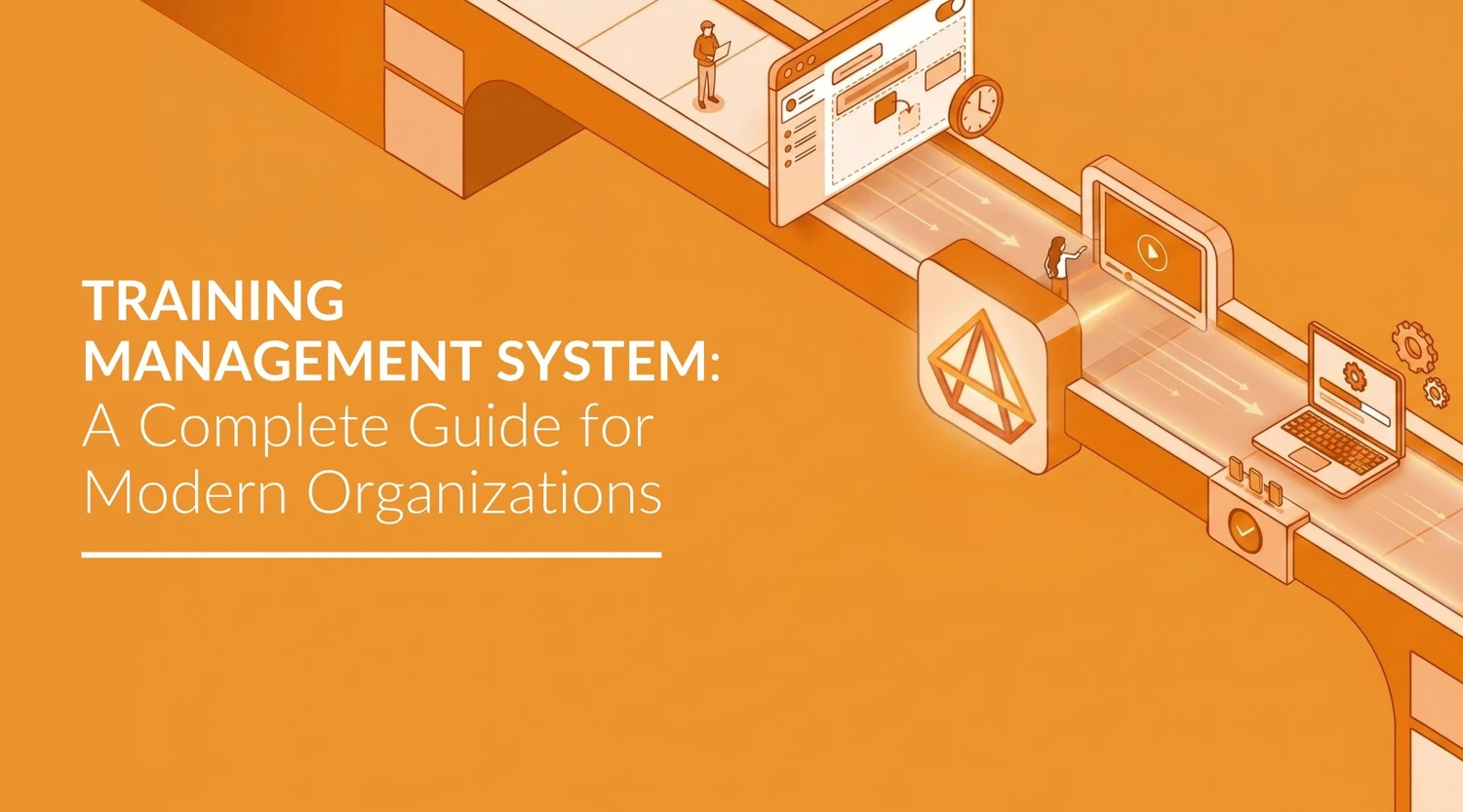
A Training Management System (TMS) module is a key component of eQMS software, designed to centrally plan, organize, execute and track an organization’s training programs in a structured and efficient manner.
It focuses on the operational side of training scheduling sessions, managing participants, assigning training based on roles, tracking completions, maintaining records and ensuring that compliance requirements are consistently met.
Think of it this way: if your training program is a machine, a training management system is the engine that keeps every part of it running on time.
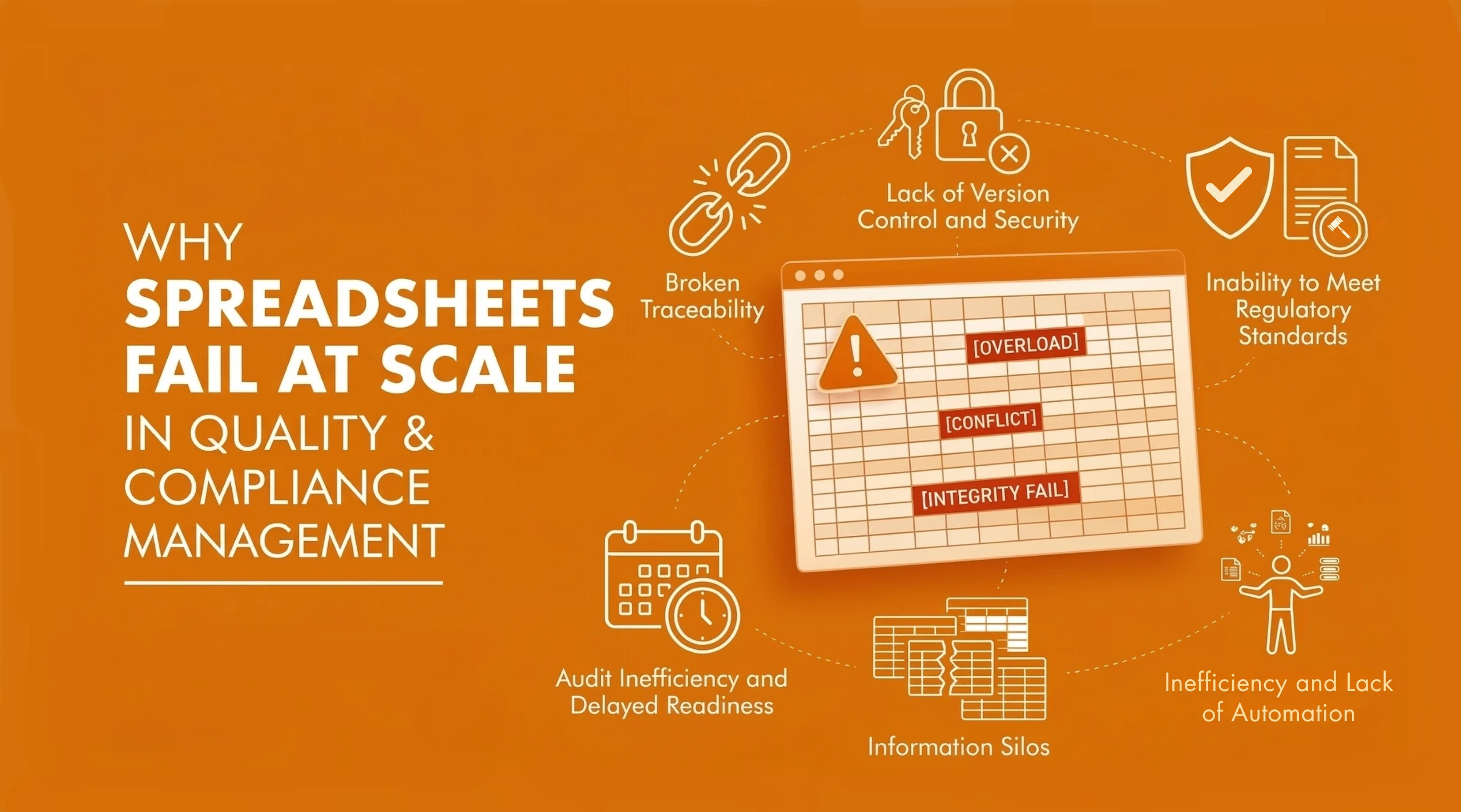
For organizations that still rely on spreadsheets, email threads and manual attendance registers, the limitations of that approach reveal themselves gradually until an audit, a compliance gap or a safety incident makes them suddenly and painfully obvious. A training management system replaces that fragile patchwork with a structured, automated and auditable workflow.
Why Training Management Matters More Than Ever
The importance of training management has increased significantly due to the following key factors:
1. Increasing Regulatory Pressure
- Standards like ISO 9001, ISO 22000, ISO 45001, and IATF 16949 require documented proof of employee competence
- Organizations must track who was trained, what was covered, and when it was completed
- Without a proper system, maintaining accurate and audit-ready records becomes difficult and risky
2. Workforce Complexity
- Employees are spread across multiple locations, shifts, and roles
- Each role requires different training and competency levels
- Manual management leads to missed sessions, inconsistencies, and skill gaps
3. Business Impact of Training
- Training directly affects performance, efficiency, and workplace safety
- Well-managed training reduces errors and improves outcomes
- Poor training management increases non-conformances and operational risks
Common Training Problems Organizations Face Without a Proper System
Before understanding what, a training management system solves, it helps to recognize what poor training management actually looks like on the ground.
-
Difficult to Organize Training Sessions
When there is no centralized system, scheduling a training session means coordinating availability across multiple people, finding a time that works, booking the room or the virtual call, informing participants and then following up because half of them forgot. The absence of a streamlined process creates confusion around who attended, who did not and whether the training even happened as planned.
-
Decentralized and Scattered Training Records
When training records live across email inboxes, shared folders, physical sign-in sheets and departmental spreadsheets, it becomes nearly impossible to get a single accurate view of training status. Retrieving records during an audit is stressful and the risk of producing incomplete or outdated documentation is high.
-
No Proactive Notifications or Reminders
Without an automated notification system, participants frequently miss sessions or show up unprepared. Trainers may not have their materials confirmed. When a certification is about to expire, no one is alerted until it has already lapsed.
-
Delayed Training Due to Unavailability
When sessions depend on the manual coordination of participants and trainers, any scheduling conflict cascades into delays. A trainer falling sick, a participant in another meeting or a room not being available can push back entire training calendars, leaving gaps in employee competency that go unaddressed for weeks.
-
Unshared and Inconsistent Training Materials
Without a central platform, training materials are rarely consistent. Different departments train with different versions of the same content. New employees may receive one experience while experienced employees get another. This inconsistency directly affects the quality of training and the reliability of outcomes.
What a Training Management System Actually Does
A well-implemented Training Management System (TMS) solves training challenges through a structured, digital and automated workflow. It ensures everything is planned, tracked and controlled from start to finish.
The process begins by defining training requirements what training is needed for specific roles, departments or locations and how often it should be completed. Based on this, the system schedules sessions, enrols participants, sends notifications and stores all training materials in one centralized place.
When a training session takes place, the system manages key activities such as:
- Digital attendance tracking
- Training completion records
- Certification generation
- Expiry date tracking
- Automated alerts and reminders
Renewals are never missed because the system automatically notifies stakeholders in advance removing dependency on manual follow-ups.
After completion, the system generates reports that provide insights like:
- Employee training status
- Participation and dropout trends
- Compliance gaps across roles or departments
This not only simplifies audits but also helps organizations plan future training more effectively and improve overall performance.
Key Features to Look for in a Training Management System
Not all training management software is built the same way. The features that matter most to your organization depend on your industry, workforce size and compliance requirements. That said, the following capabilities form the foundation of any effective system.
-
Centralized Scheduling and Session Management
The ability to create, modify and manage training sessions from one place with visibility into trainer availability, participant schedules and session history is the core of any training management system. Conflict detection should happen automatically, not after the fact.
-
Role-Based Training Assignment
Different roles carry different training obligations. A quality inspector, a warehouse operator and a finance manager all need different competencies. A system lets you map training requirements to roles and automatically ensure that every person in a given role has received the training they are required to complete.
-
Automated Notifications and Reminders
From enrolment confirmations to session reminders to post-completion follow-ups, communication should be automated. This reduces the administrative burden on coordinators and ensures that participants are always informed and prepared.
-
Centralised Training Records and Repository
All training materials documents, videos, presentations, forms should live in one place, with version control ensuring that participants always access the latest approved content. This also applies to training records: attendance logs, completion certificates and competency assessments should all be stored digitally and retrievable on demand.
-
Training Compliance Management
This is one of the most critical features for regulated industries. A training management system should automatically track certification expiry dates, flag compliance gaps by role or department and generate audit-ready reports with timestamped records. Training compliance management is not just a feature for many organizations; it is the reason they implement the system in the first place.
-
Progress Tracking and Reporting
Beyond knowing who attended, you need to know whether training is working. Effective training management software provides real-time visibility into individual and team progress, identifies patterns in training effectiveness and surfaces the data you need to continuously improve your programs.
-
Mobile Access
For organizations with field workers, production floor employees or rotating shift teams, training cannot be limited to desktop access. A system with mobile capability ensures that training reaches every employee, regardless of where they work.
Best Practices for Implementing a Training Management System
Implementing a training management system requires more than just adopting eQMS software it requires a structured approach aligned with organizational goals and compliance needs.
1. Define Clear Training Objectives and Requirements
Start by identifying what training is required and why. This includes:
- Regulatory and compliance training
- Role-specific skill development
- Internal process training
Clear objectives ensure that training programs are purposeful and aligned with business needs.
2. Develop Role-Based Training Matrices
Not all employees require the same training. A role-based training matrix helps map:
- Job roles to required training
- Mandatory vs optional training
- Certification and renewal requirements
This ensures that employees receive relevant training and reduces unnecessary training overload.
3. Automate Tracking and Notifications
Automation is essential for consistency and control.
By automating workflows, organizations can:
- Assign training based on roles or events
- Send alerts for upcoming or overdue training
- Track completion status in real time
This minimizes human error and ensures that no training requirement is missed.
4. Regularly Review and Update Training Programs
Training requirements evolve with changes in regulations, processes and business needs.
Organizations should:
- Periodically review training content
- Update programs based on new standards or risks
- Remove outdated or irrelevant training
Continuous improvement ensures that training remains effective and relevant.
5. Measure Training Effectiveness and Outcomes
Training should not just be completed it should deliver results.
Organizations must evaluate:
- Knowledge retention through assessments
- On-the-job performance improvements
- Reduction in errors, incidents or non-conformities
Measuring outcomes helps ensure that training contributes to real business impact.
A structured implementation approach ensures that the system is not just adopted, but effectively utilized for long-term success and scalability.
Real-World Use Cases
A training management system plays a critical role across industries, especially where compliance and performance are closely linked.
1. Manufacturing
In manufacturing environments, employees must be trained on safety procedures, machine operations and quality standards.
A structured system helps:
- Ensure safety training is completed before employees operate equipment
- Track process-specific training for shop-floor workers
- Maintain compliance with industry standards and internal SOPs
This reduces workplace incidents and improves operational consistency.
2. Pharmaceutical Industry
The pharmaceutical sector operates under strict regulatory frameworks such as GMP. Training compliance is essential for maintaining product quality and regulatory approval.
A training system enables organizations to:
- Manage GMP and SOP training
- Maintain detailed training records for audits
- Ensure employees are always compliant with regulatory updates
This minimizes compliance risks and supports successful inspections.
3. Food Industry
Food safety and hygiene training are critical for preventing contamination and ensuring product quality.
With a structured system, organizations can:
- Track hygiene and food safety training
- Ensure compliance with standards like HACCP
- Maintain audit-ready documentation
This helps maintain food safety standards and protects brand reputation.
How Pyraman Simplifies Training Management
Pyraman enables organizations to move from fragmented, manual training processes to a structured and integrated Training Management System. Built within a comprehensive eQMS platform, Pyraman connects training with quality, compliance and operational processes, ensuring that training is not managed in isolation. This integrated approach helps organizations maintain consistency, improve control and align employee training with regulatory and business requirements.
Pyraman helps organizations with:
- Real-time visibility into training progress, employee competency and compliance status
- Identification of training gaps and timely corrective actions
- Automated workflows for consistent and error-free training management
- Centralized, audit-ready training records and documentation
- Alignment of all training activities with compliance standards
Book a demo with Pyraman to see how a structured, integrated approach can simplify training management and strengthen compliance across your organization.
Frequently Asked Questions
-
What is a training management system?
A training management system is software designed to plan, organize, schedule and track organizational training programs. It manages the operational side of training from session scheduling and participant management to certification tracking and compliance reporting from a single centralized platform.
-
What is training compliance management?
Training compliance management refers to the process of ensuring that employees complete required training on time, that certifications are tracked and renewed before expiry and that documented records are maintained to satisfy regulatory and audit requirements. A training management system automates this process so that compliance is ongoing, not just reactive.
-
How is a training management system different from basic training tools?
Basic tools like spreadsheets and email can handle training coordination at small scale. It provides automation, centralized records, role-based assignment, compliance tracking and real-time reporting capabilities that basic tools cannot offer as training complexity grows.
-
What should I look for in training management software?
Look for centralized scheduling, role-based training assignment, automated notifications, compliance and certification tracking, audit-ready reporting, a centralized content repository and integration with your existing HR and quality management systems. Mobile access is essential for deskless or field-based workforces.
-
What is the difference between a TMS and an LMS?
A TMS focuses on managing training operations such as scheduling, attendance, certifications, and compliance tracking, while a Learning Management System (LMS) focuses on delivering and consuming learning content. Many organizations use both together for complete training management.
-
Is a training management system suitable for small businesses?
Yes, small businesses can benefit from a TMS by organizing training processes, reducing manual tracking, and preparing for future growth. It helps establish structured training practices early, avoiding operational chaos later.
-
What is training compliance management in eQMS?
Training compliance management in eQMS ensures that all employees complete required training based on their roles, certifications are tracked, and records are maintained to meet regulatory and audit requirements.


Start Your Free 30-Day eQMS Trial
Get full access to Pyraman eQMS for 30 days, free. No commitment, just hands-on document control, audits, and compliance management.
